








































































Where can I play free ASMR games online?
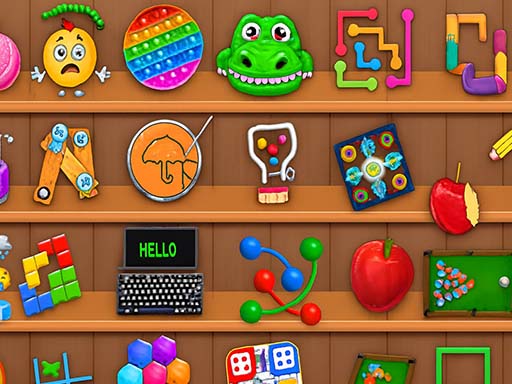
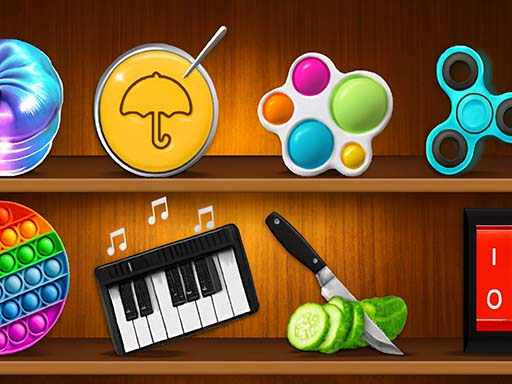
ASMR Games Free is a browser game collection with 98 listed titles, including popping, slicing, sorting, cleaning and keyboard sound games. Choose a game here to play without installing an app or creating a site account. Embedded games may display ads.
Which ASMR games should I try first?
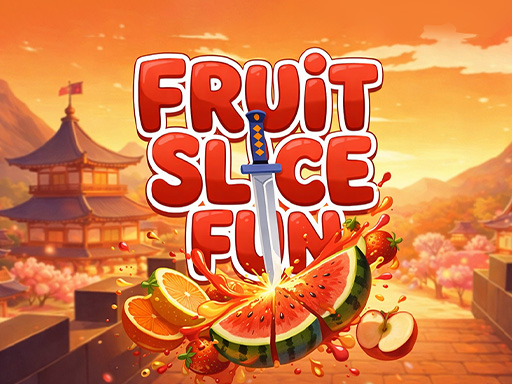
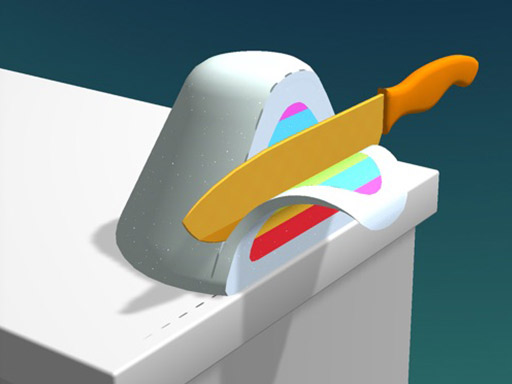
For typing sounds, try the 3D Mechanical Keyboard ASMR Simulator. For popping, try Fidget Toy Pop It Game. For slicing, try Fruit Slicer Fun; it is a slicing game, not the official ASMR Slicing app. For cleaning, try Car Wash Simulator Game.
Can I play ASMR games on Android or iPhone?
Use your mobile browser and choose a game with touch controls. The keyboard simulator also has on-screen keys. Not every embedded game supports every phone; check the game guide before playing.
What if an ASMR game will not load?
Refresh the game page, check your internet connection and try an up-to-date browser. If an embedded player still fails, try another title. If sound is missing, tap or click the player and check its volume.
Play free ASMR games online
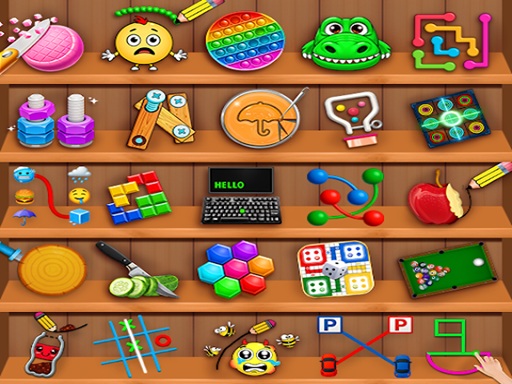
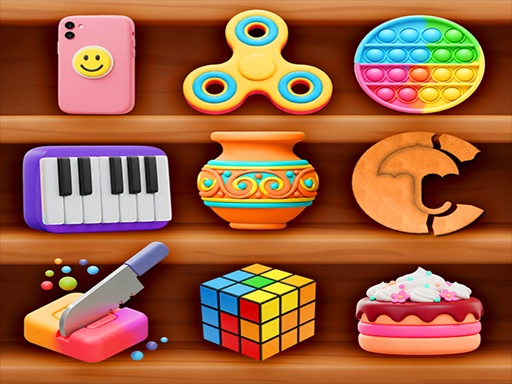
ASMR games are interactive browser activities that pair small actions with visual or audible feedback. Rather than watching a recording of someone squeezing a toy or organizing a drawer, you choose the actions yourself. ASMR Games Free brings together virtual fidget toys, food-themed activities, organizing puzzles, simulated salons and an original keyboard sound toy. Choose a cover to open its dedicated play page. The page explains the game's goal and known controls before you begin.
Find the right kind of satisfying game
Food and mukbang games
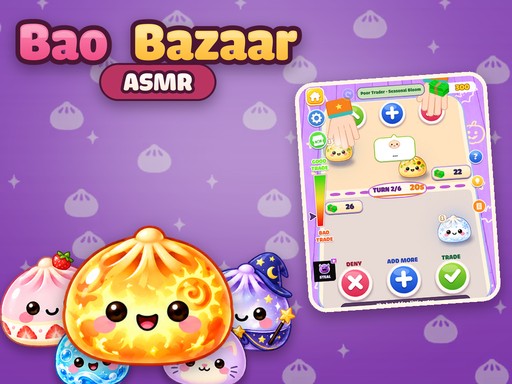
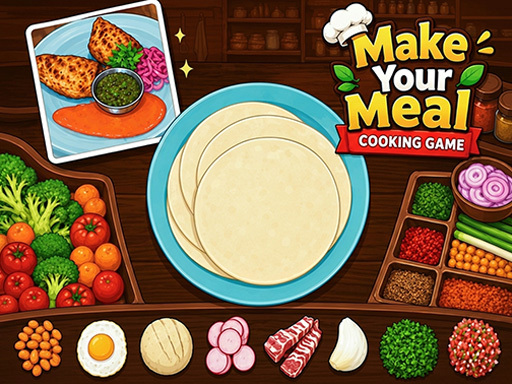
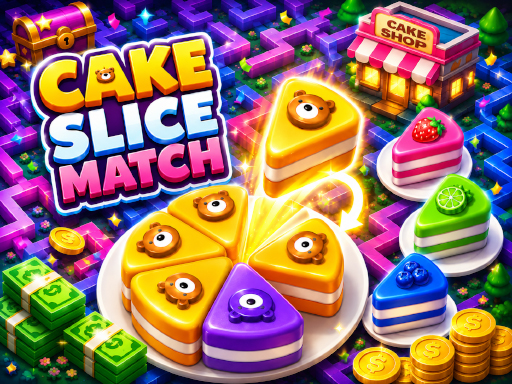
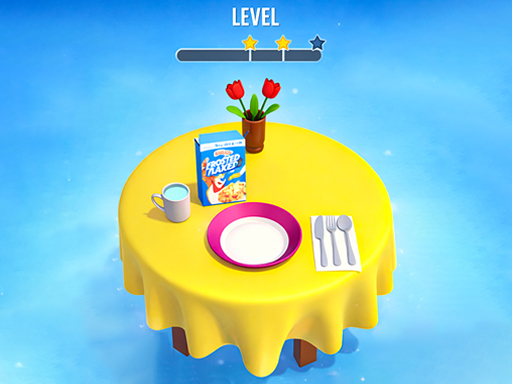
Food-themed play can mean preparing a virtual dish, collecting a toy shaped like food, or matching food pieces in a puzzle. These experiences are not interchangeable. In Cat Boba Tea: Food ASMR Master, the publisher describes cooking and serving an audience as part of a virtual livestream. Bao Bazaar ASMR instead combines collectible squishy buns with a simulated trading market. Cake Art 3D is about timing a decorating action, while Cake Slice Match uses placement and merging. Choose the Food ASMR collection to compare these experiences.
Squishy, slime and Pop It games
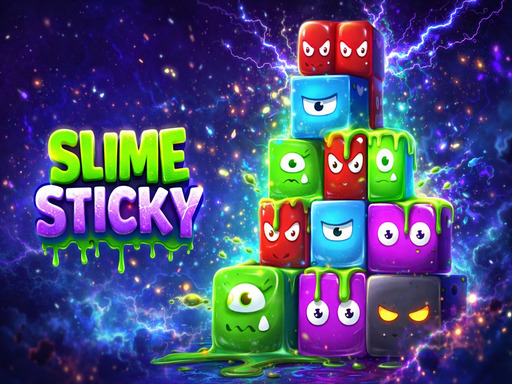
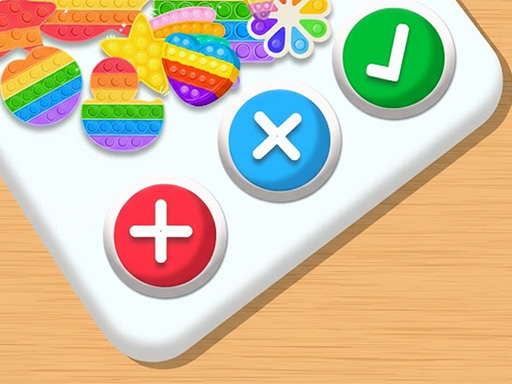
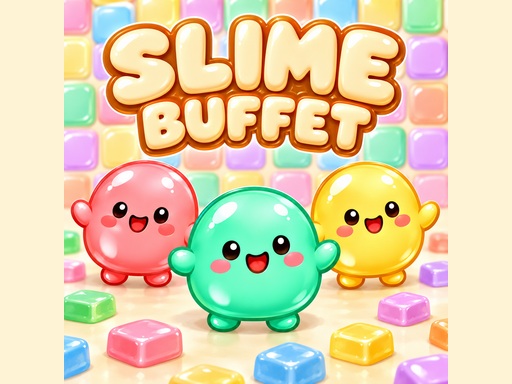
For repetitive actions, try Fidget Toy Pop It Game or Popit World. Popit World adds a reset mechanic and a time trial to bubble pressing. Mystery Dumpling Squishy Slime features virtual toy customization. Not everything with slime in its name is a material simulator: Slime Buffet is a color-selection puzzle with limited active slots, and Slime Sticky focuses on matching monster blocks. Browse Squishy & Slime games to find a toy-like interaction or a puzzle.
Keyboard sounds
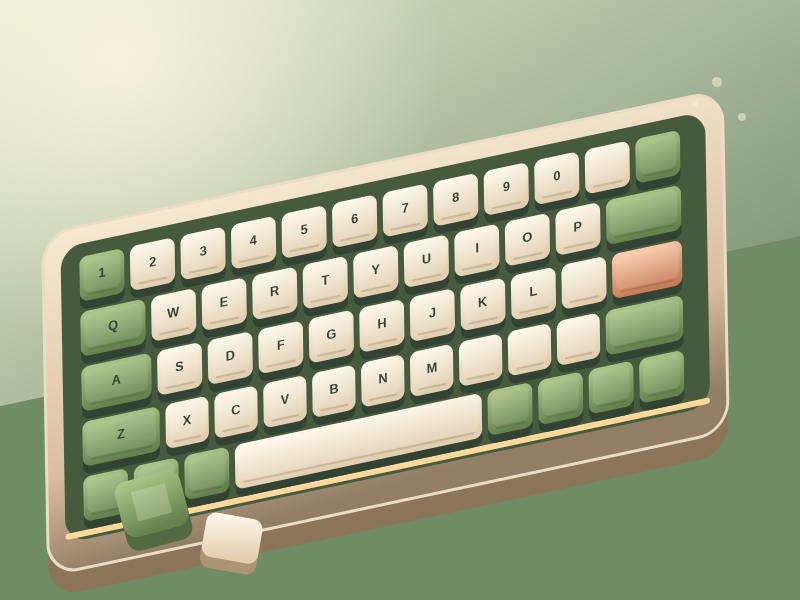
The ASMR mechanical keyboard simulator uses synthesized sound instead of an external recording library. Press real letter or number keys on your computer or tap the virtual board. Choose a clicky, tactile, linear or thocky sound profile, adjust volume, change the keyboard color and watch the counter. It is a sound toy rather than a typing-speed test.
Beauty, spa and makeover games
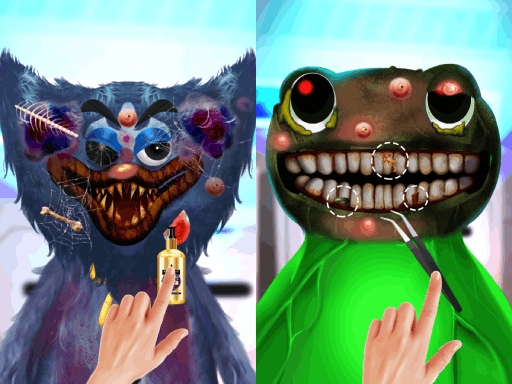
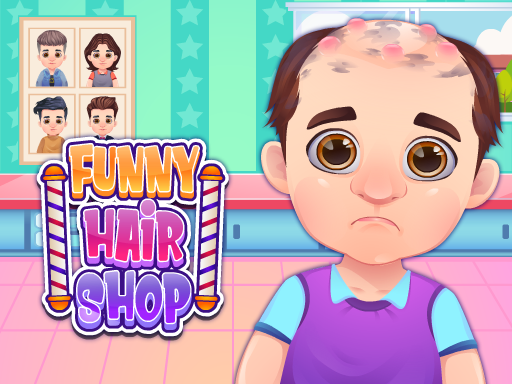
Virtual styling games range from applying cosmetics and choosing accessories to fictional clinic routines. Freestyle ASMR Makeup Artist provides an explicit rewind control for correcting a design. Skincare Makeover Makeup Game includes outfit and hair choices alongside simulated care. The Beauty & Spa collection also features the independent English page for the virtual ingrown hair game. These games are entertainment, not medical, dental, veterinary or beauty treatment instructions.
Sorting and cleaning challenges
Try a task-based game if you prefer seeing an untidy scene change into an organized one. Sort Master Satisfeel ASMR uses item placement and organizing puzzles. SatisPuzzle Perfect Tidy includes varied mini-games rather than one repeated rule. Car Wash Simulator Game and Grass Cutting Mowing Game offer different virtual clean-up tasks. Read each game's guide to understand what to do.
How to start playing
- Choose a category or game cover on this page.
- Read the short introduction and press Start playing to load an embedded game. The keyboard simulator uses its own interactive board.
- Follow the instructions and prompts inside the game.
- Use the game's sound settings or your device volume. Headphones are optional.
- Use the Fullscreen control when available, or return to the collection to choose another game.
No site account or app installation is required. Games supplied by other publishers load only after you start them. They may display their own advertisements. Mobile support is different for each title, so check the individual game guide before choosing a device.
Choosing games for a short break
For a brief session, a simple fidget activity or the keyboard board gives you an easy way to explore repeated interactions. If you prefer a task with a defined outcome, choose a matching puzzle, a decoration challenge or a simulated cleaning routine. Start with an activity whose controls fit your device. Sound is optional, and individual reactions to ASMR differ. We do not make claims that these games treat stress, anxiety, sleep problems or any health condition.
Playing on your phone or computer
Touch-based games use the input described by their publishers, while some desktop games depend on mouse or keyboard controls. A portrait game may leave unused space on a wide display; preserving its intended shape is preferable to stretching its controls. If a game fails to open, check your connection, reload the page or try a current browser. If a game is available only for desktop, choose another mobile-compatible title from the collection.
About this collection
This is an independent general-audience browser game portal. Third-party titles remain the property of their publishers. The Family Fun collection contains fidget games for adults to review before sharing with younger players. Game content and external advertisements can change. We do not require comments or accounts, and the website does not guarantee any game's age suitability. See our privacy policy and game credits for more information.
Frequently asked questions
What are ASMR games?
They are interactive activities built around satisfying sounds, movements or visual feedback, such as tapping keys, popping toys or arranging objects.
Are these games free?
There is no payment to open a game on this site. Embedded games may contain third-party advertising.
Do I need to sign up or download anything?
No site account or app installation is needed. Choose a title and start its browser player.
Why is there no sound?
Browsers may require a user gesture before playing sound. Check your device and the game's own audio controls.
Is this a children's website?
No. It is a general-audience entertainment website. Family Fun is a selection to review with a parent or caregiver, not a guarantee of suitability.
Are all slime games freeform simulators?
No. Slime Buffet and Slime Sticky use puzzle mechanics; other titles offer virtual fidget and squishy activities.
Can I use a physical keyboard?
Yes, the original mechanical keyboard simulator responds to letter and number keys and the space bar. It also supports on-screen keys.